Thanksgiving Dinner from Verrill Farm
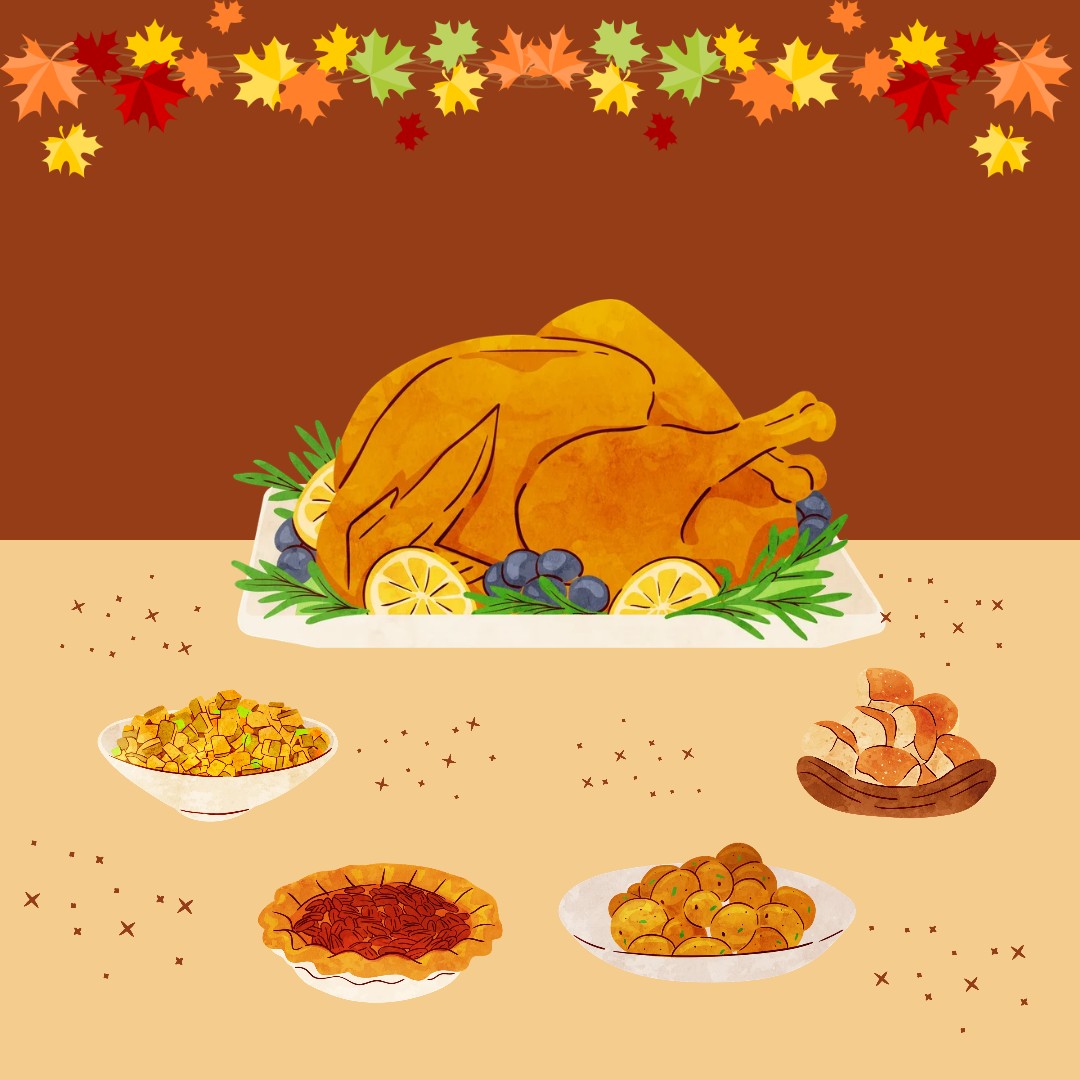
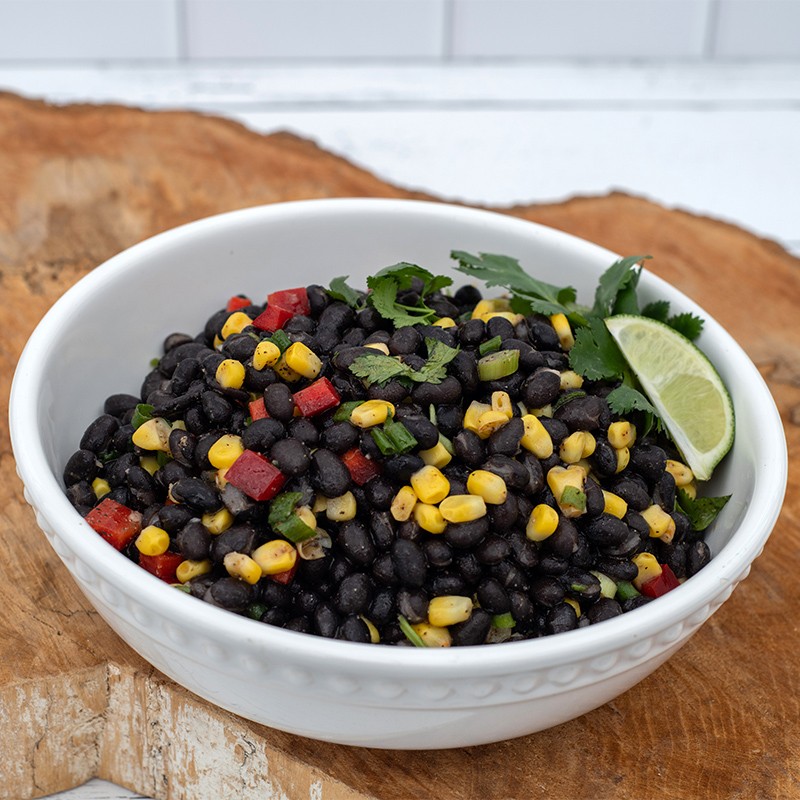
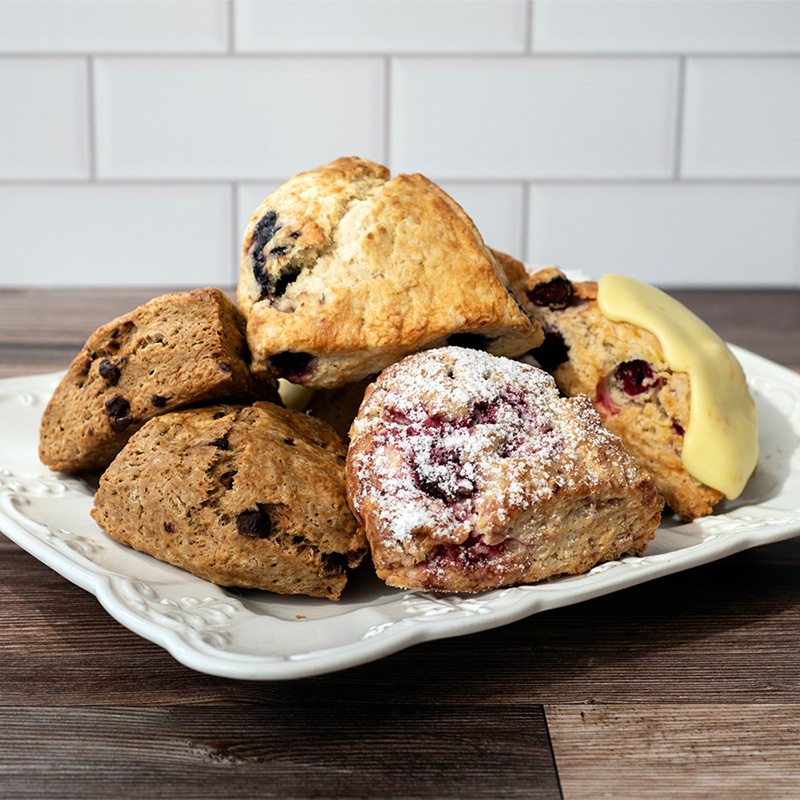
Let our talented chefs and bakers take care of your Thanksgiving dinner! We’ve got you covered from potatoes to pies and more! All the classics plus new sides and delicious, seasonal desserts.
All items are carefully prepared in-house and can be picked up CURBSIDE on Tuesday 11/24 or Wednesday 11/25.
We are also pleased to be selling Stonewood Farm Turkeys. Fresh, uncooked whole turkeys and frozen turkey breasts from Stonewood Farm in VT.
All orders must be placed ONLINE by Tuesday, November 17th.